When working on a project, you might assume that faster is always better. After all, you want to get the job done quickly, right? However, when it comes to power tools, raw speed isn’t always the answer. Sometimes, what you actually need is strength.
Think of torque as the “muscle” behind the rotation. Understanding torque is the key to preventing stripped screws, snapped wrists, and ruined workpieces. This guide will break down exactly what drill torque is, why it is vital for your projects, and how to use the settings on your drill like a pro.
What is Torque For Cordless Power Tools?
In strict physics terms, torque is a measure of the force that can cause an object to rotate about an axis. But unless you are taking a physics exam, that definition is a bit dry.
In the world of power tools, the easiest way to understand torque is to think of it as rotational force or twisting power. It is not about how fast the drill bit spins; it is about how much force is behind that spin.
The Jar Lid Analogy: Imagine you are trying to open a brand-new jar of pickles.
- Speed: If you lightly run your hand over the lid very quickly, you are generating speed, but the lid won’t move.
- Torque: If you grip the lid tight and twist slow and hard, you are generating torque. The movement is slower, but the force is much higher, allowing you to break the seal.
On a cordless or corded drill, torque is what allows you to drive a thick screw into a hard piece of oak without the motor stalling. Even if the drill is moving slowly, high torque keeps it turning against the resistance of the wood.
How is it measured? In North America, torque on power tools is usually measured in Inch-Pounds (in-lbs). In Europe and other parts of the world, it is measured in Newton-Meters (Nm). The higher the number, the more twisting force the tool can exert.
Speed vs Torque
One of the most confusing aspects for new users is the relationship between the speed switch (usually a slide switch on top of the drill labeled “1” and “2”) and torque.
There is generally an inverse relationship between speed and torque, and modern cordless power tools make switching between these two gears effortless.
Setting 1: Low Speed, High Torque
- Think of this like “First Gear” on a bicycle or a car.
- The drill spins slowly, but it has maximum muscle.
- When to use: Driving big screws, drilling with large spade bits, or drilling into metal.
Setting 2: High Speed, Low Torque
- Think of this like “Fifth Gear” or “Overdrive.”
- The drill spins very fast, but it has less twisting power.
- When to use: Drilling standard holes in wood or driving very small screws quickly.
Why Does Torque Matter in a Cordless Drill?
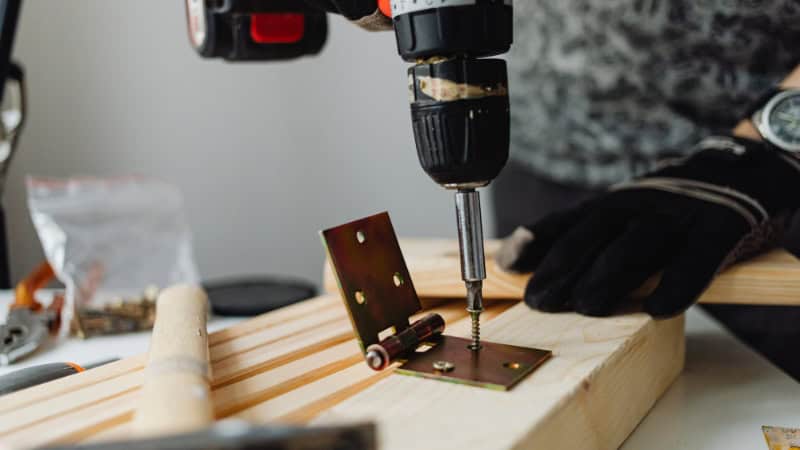
You might be thinking, “Why don’t I just buy the drill with the highest number and call it a day?” While having high torque available is great, having torque control is what actually matters. Here is why torque is critical to your success:
1. Driving vs. Drilling
- Drilling holes generally requires less torque and more speed. The drill bit cuts away material to make room for itself.
- Driving screws requires high torque. You are forcing a wedge (the screw) into a solid material, which creates massive friction and resistance. Without enough torque, the drill motor will simply stop turning (stall) when the going gets tough.
2. Material Hardness: The denser the material, the more torque you need. Driving a screw into a sheet of drywall takes almost zero effort. Driving that same screw into a pressure-treated 4×4 fence post or a piece of hardwood requires significant force. If your drill lacks torque, it won’t be able to sink the screw flush with the surface.
3. Screw Size: A tiny screw used for a cabinet hinge requires very little torque. A long, thick lag bolt used for deck construction requires massive torque. If you use too much torque on a small screw, you will snap the head right off. If you use too little on a big bolt, you won’t get it past the first few threads.
Understanding Torque Settings
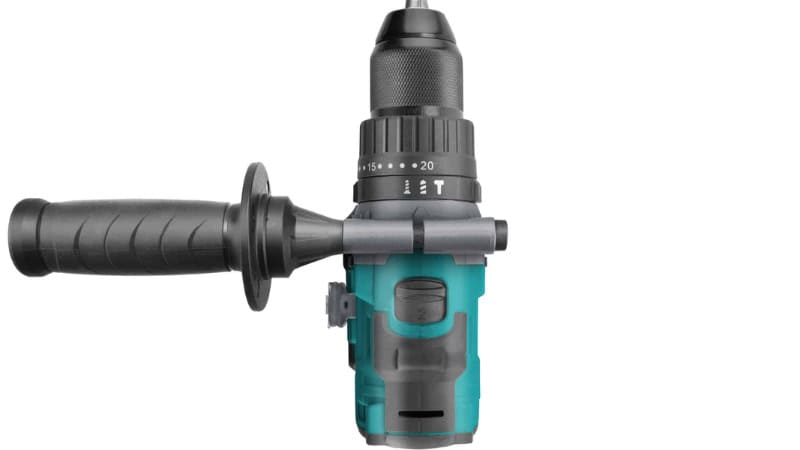
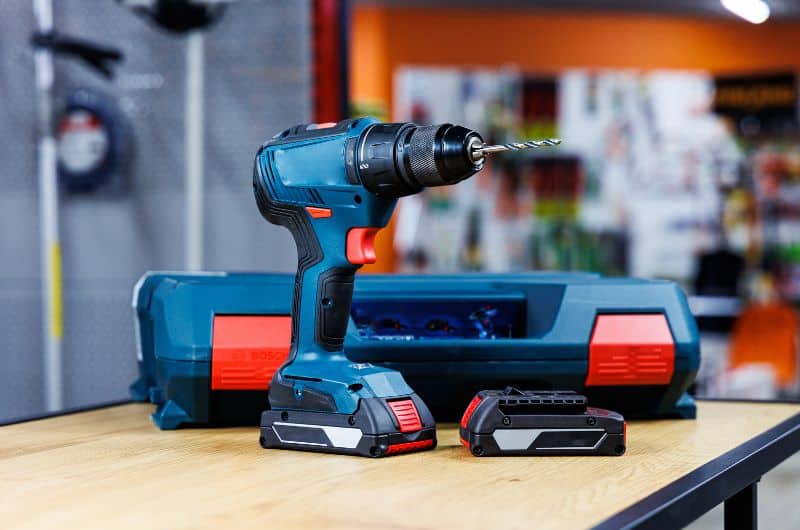
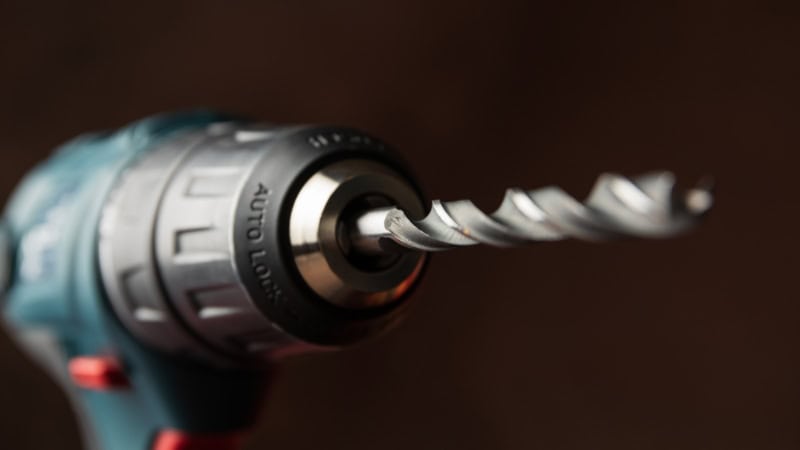
Have you ever noticed the rotating collar behind the chuck (the part that holds the bit) of your drill? It usually has numbers printed on it, ranging from 1 to 10 or even up to 20. This is not a volume knob, and it doesn’t control speed. This is the clutch, and it controls your torque limit.
The clutch is a brilliant mechanical feature that disengages the drive shaft from the motor once a specific level of resistance is met. When this happens, you will hear a loud rapid clicking noise. This is normal—it means the clutch is doing its job.
Here is how to use the settings:
Low Settings (1 – 4)
- Use for: Small screws, assembling furniture, drywall, or delicate materials.
- Why: You want the drill to stop spinning the moment the screw is flush. If you keep spinning, you will strip the screw head or crack the plastic/wood.
Medium Settings (5 – 10)
- Use for: Standard wood screws, softwoods (like pine), and general repairs.
- Why: This provides enough power to drive the screw into the wood but will still “clutch out” (click and stop) before you bury the screw too deep.
High Settings (11 – 20)
- Use for: Hardwoods (oak, maple), long screws, or lag bolts.
- Why: You need maximum force to fight the friction of the dense wood.
The Drill Icon: At the end of the number dial, you will usually see an image of a drill bit.
- Use for: Drilling holes.
- Function: This setting bypasses the clutch entirely. The drill will send all available torque to the bit and will not slip or click, no matter how much resistance it meets. Do not use this for driving screws unless you are very experienced, as it is easy to strip screws or damage the work surface.
Frequently Asked Questions
Is higher torque always better?
Not necessarily. While a high-torque drill is more versatile because it can do heavy-duty work, using high torque on a delicate task is a recipe for disaster. If you use maximum torque to put a light switch cover on, you will crack the cover immediately. The best drill offers a wide range of adjustability.
My drill makes a loud ratcheting noise when I drive a screw. Is it broken?
No, that is the sound of success! That is the adjustable clutch engaging. It means the resistance of the screw matched the setting on your collar, and the drill stopped spinning the bit to prevent stripping the screw. If the screw isn’t deep enough yet, just turn the collar to a higher number.
What is the difference between a Drill Driver and an Impact Driver?
- Drill Driver: Uses a constant spinning motion. It relies on the motor’s muscle for torque. Great for drilling holes and general screw driving.
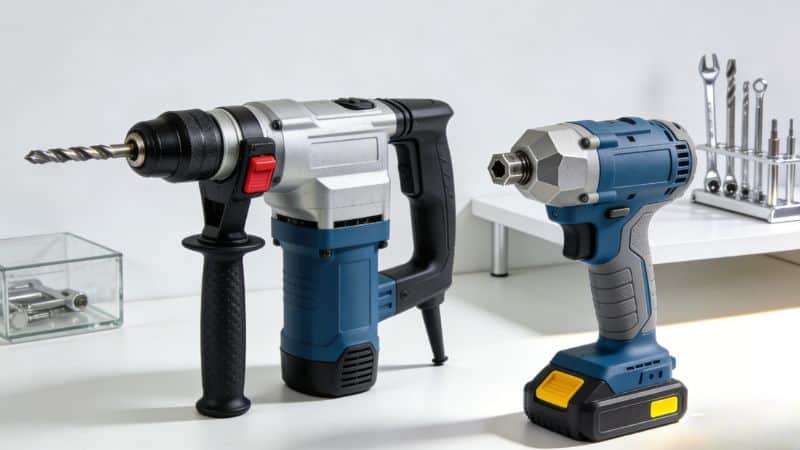
- Impact Driver: Uses a rotational hammering mechanism (an anvil striking an output shaft) to generate massive amounts of torque—often 3 to 4 times more than a standard drill. It doesn’t have a clutch. If you are building a deck or driving 3-inch screws all day, an impact driver is the superior tool.
How much torque do I need for home DIY?
For general home tasks—hanging pictures, assembling IKEA furniture, and basic repairs—a drill with 300 to 400 in-lbs of torque is sufficient. If you plan on building a deck, remodeling a room, or doing heavy construction, look for a drill with 500 to 700 in-lbs or more, or invest in an impact driver.